
AI Receptionist
Setting Supported Languages
Choose which languages your AI can speak with callers and chat visitors.
Updated 9/17/2026
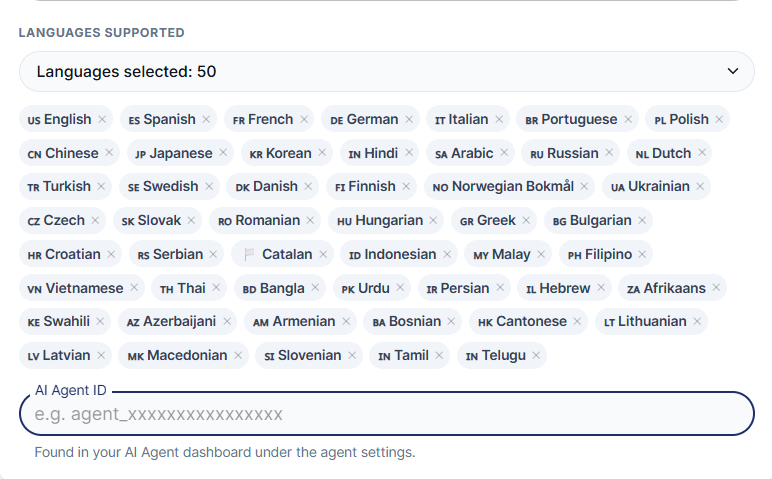
Choose which language(s) your AI Receptionist can speak with callers and chat visitors. 1. Go to Settings → AI Control Panel → Voice & Language. 2. Open Languages Supported. 3. Select one or more languages. Selected languages appear as tags below (for example, us English).
Note: This is separate from your own dashboard display language, which is set using the translate icon in the top bar.