
AI Receptionist
Reviewing the Configuration Preview and Saving
Check your AI settings at a glance in Config Preview, then save them to go live.
Updated 9/17/2026
The Config Preview card gives you a live, at-a-glance summary of your current AI Receptionist settings before you save them. 1. Go to Settings → AI Control Panel. 2. Review the Config Preview card: Name, Tone, Voice, Languages, Escalation status, and Keywords. 3. Once everything looks correct, click Save AI Settings.
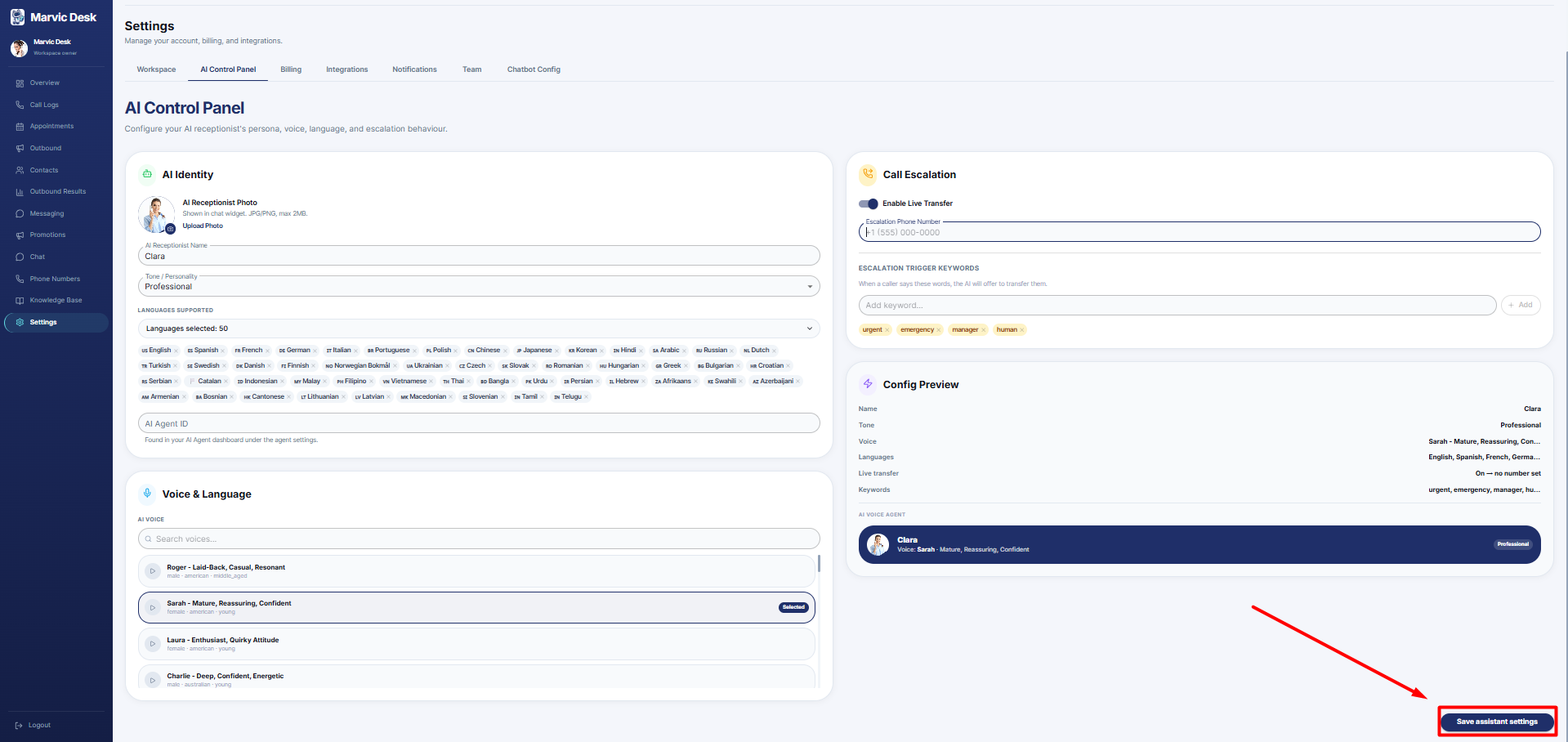
Note: Changes are not applied to your live AI Receptionist until you click Save AI Settings.