AI Receptionist
Naming and Branding Your AI Receptionist
Give your AI a name and photo so it feels like part of your team.
Updated 9/17/2026
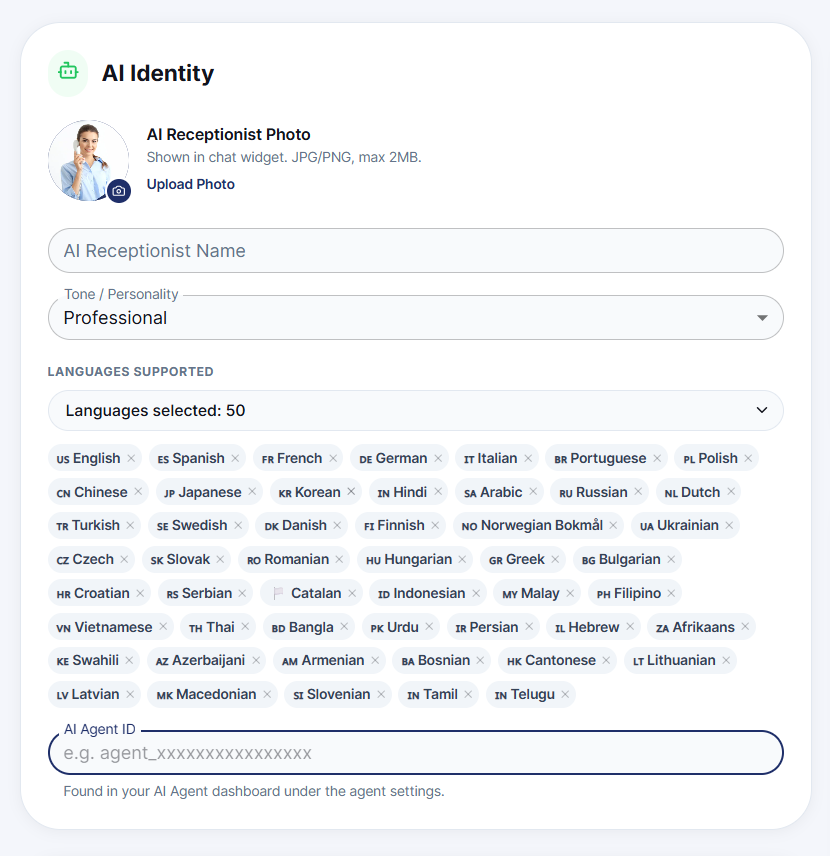
Give your AI Receptionist a name and photo so it feels like a real member of your team to callers and chat visitors. 1. Go to Settings → AI Control Panel. 2. In the AI Identity card, click Upload Photo to add a receptionist photo (JPG or PNG, max 2MB). This photo appears in your chat widget. 3. Enter a name in the AI Receptionist Name field (for example, "Nova").