
AI Receptionist
Configuring Call Escalation and Live Transfer
Let your AI hand calls to a real person by enabling Live Transfer and setting an escalation number.
Updated 9/17/2026
Call Escalation lets your AI hand off a call to a real person when needed. 1. Go to Settings → AI Control Panel → Call Escalation. 2. Toggle Enable Live Transfer on. 3. Enter the phone number calls should transfer to in Escalation Phone Number.
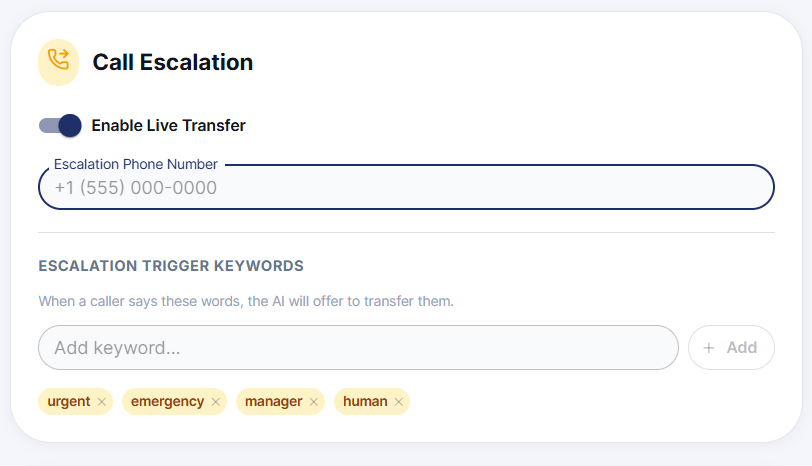
Note: If Live Transfer is off, or no escalation number is set, the AI will handle the call on its own even if a caller asks for a human.