
Get Started
Your Getting-Started Checklist Explained
Learn the five setup steps on your Overview page and the best order to complete them.
Updated 9/17/2026
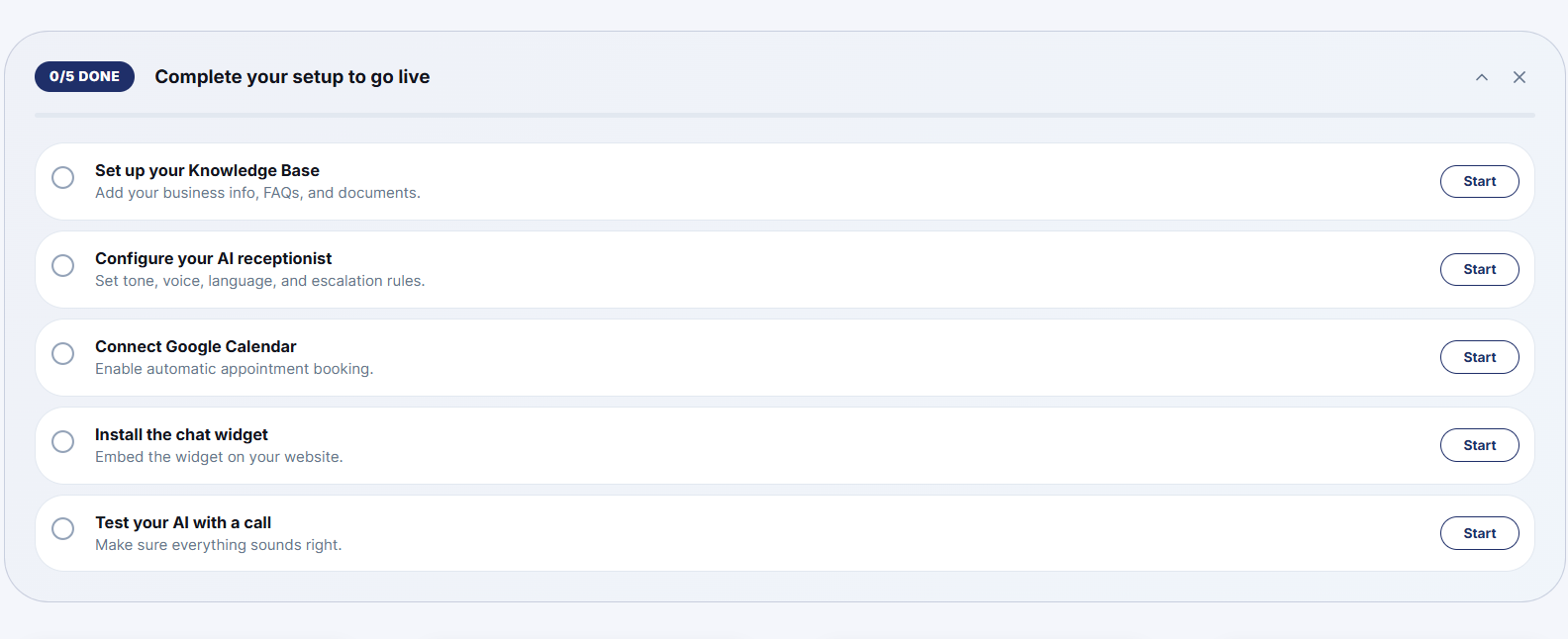
The Overview page tracks five setup steps. Complete them in this order for the smoothest setup, since some steps depend on earlier ones being finished. 1. Set up your Knowledge Base — add your business information, FAQs, and any documents your AI should know about. 2. Configure your AI Receptionist — set its tone, voice, language, and escalation rules. 3. Connect Google Calendar — enables automatic appointment booking. 4. Install the chat widget — embed it on your website. 5. Test your AI with a call — confirm everything sounds and works the way you expect.
Note: Configure your Knowledge Base and AI Receptionist before connecting a phone number to your AI agent. The AI needs its instructions in place before it can handle real customer calls.