
Get Started
Verifying Your Email Address
Confirm your email to activate your account, and learn what to do if the verification email doesn't arrive.
Updated 9/17/2026
For security, you must verify your email before you can access your dashboard. 1. After signing up, check the inbox for the email address you registered with. 2. Open the email from Marvic Desk and click the verification link. 3. You'll be logged in automatically once verification is confirmed. 4. If the email doesn't arrive within a few minutes, check your spam or promotions folder. 5. If you still don't see it, return to the Check Your Email screen and click Resend.
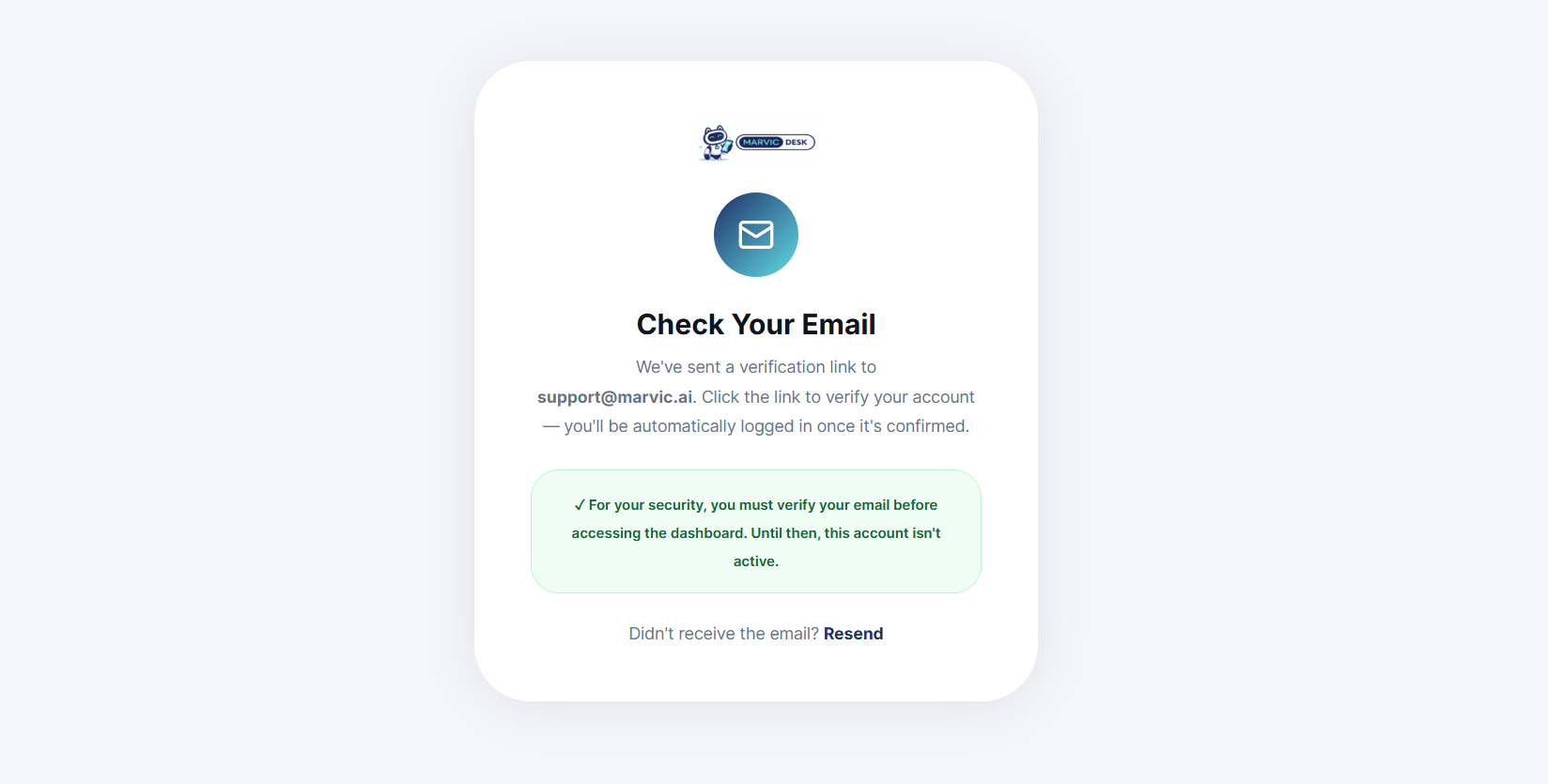
Note: Your account remains inactive until this step is complete — you won't be able to reach the dashboard beforehand.