Account & Workspace
Updating Your Profile Information
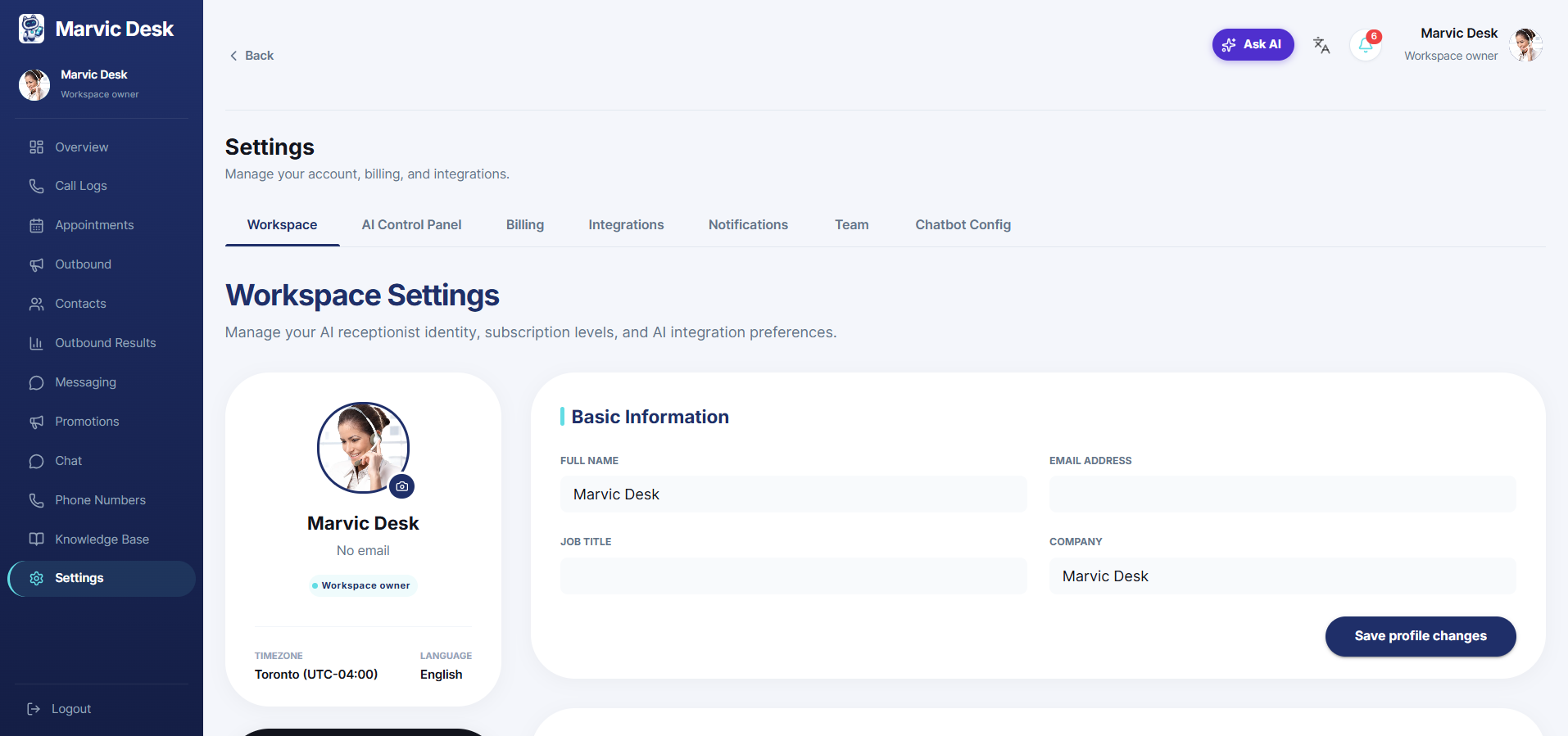
Edit your name, email, job title, and company from Settings → Workspace.
Updated 9/17/2026
Your profile information appears throughout the dashboard and in any team member lists. 1. Go to Settings → Workspace. 2. In the Basic Information card, update your Full Name, Email Address, Job Title, and/or Company. 3. Click Save Profile Changes.