
Account & Workspace
Managing Your Business Details
Set your business phone number and time zone so calls and appointments are scheduled correctly.
Updated 9/17/2026
Your business phone number and time zone affect how your AI Receptionist schedules calls and appointments. 1. Go to Settings → Workspace. 2. Scroll Down. In the Business Details card, enter or update your Business Phone number. 3. Choose your Time zone from the dropdown (e.g., Eastern Time (ET)). 4. Click Save Business Details.
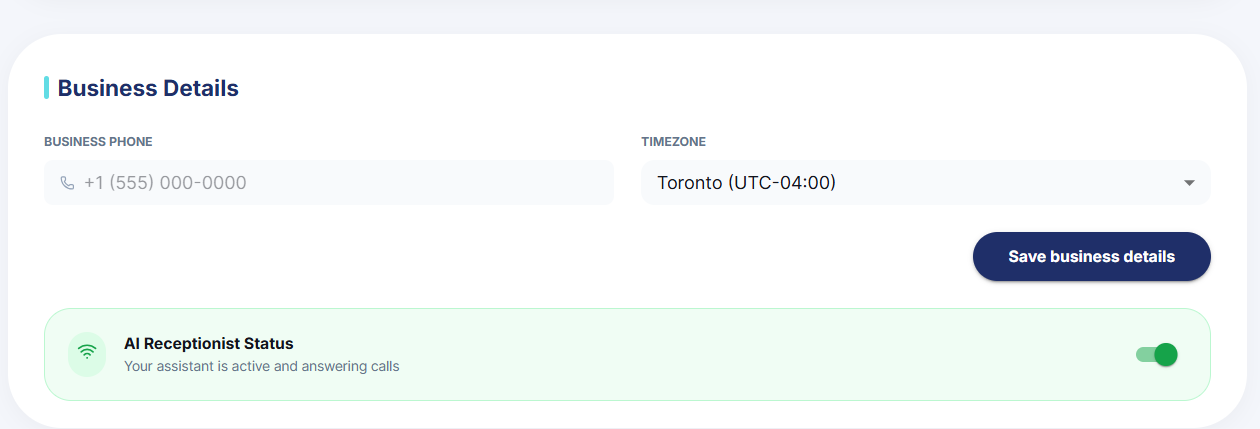
Note: The AI Receptionist Status toggle also lives on this card — see Turning Your AI Receptionist On or Off.