Chatbot
Testing Your Chatbot with Live Widget Preview
Test your chatbot's greeting, look, and responses before visitors see them.
Updated 9/17/2026
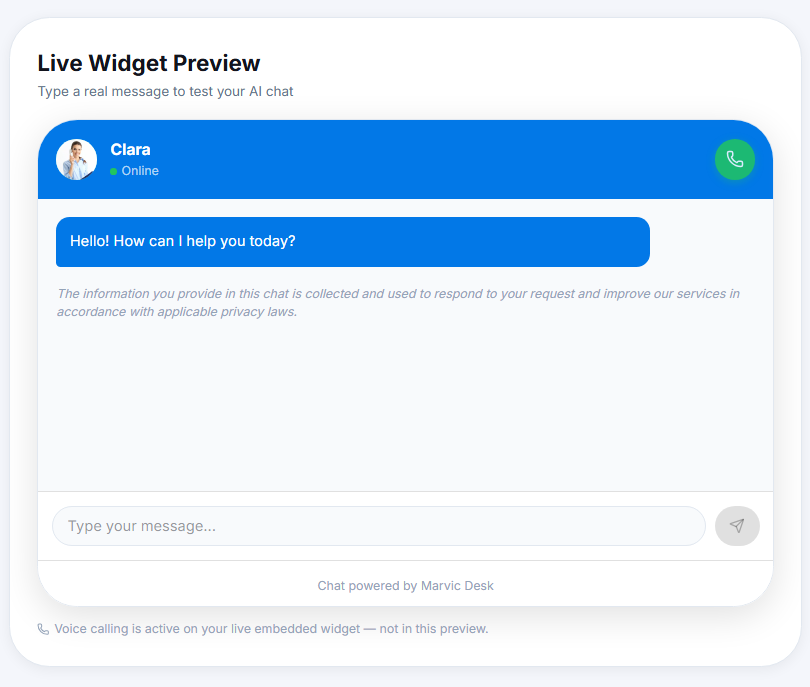
Before publishing changes to your live site, test them directly in the dashboard. 1. Go to Settings → Chatbot Config. 2. In Live Widget Preview, type a real message into the chat box. 3. Review the AI's response, greeting, and appearance exactly as a visitor would see them. Note: The preview reflects your saved Initial Greeting and Widget Appearance settings but does not support the Voice Calling button — that only works on your live embedded widget.