Chatbot
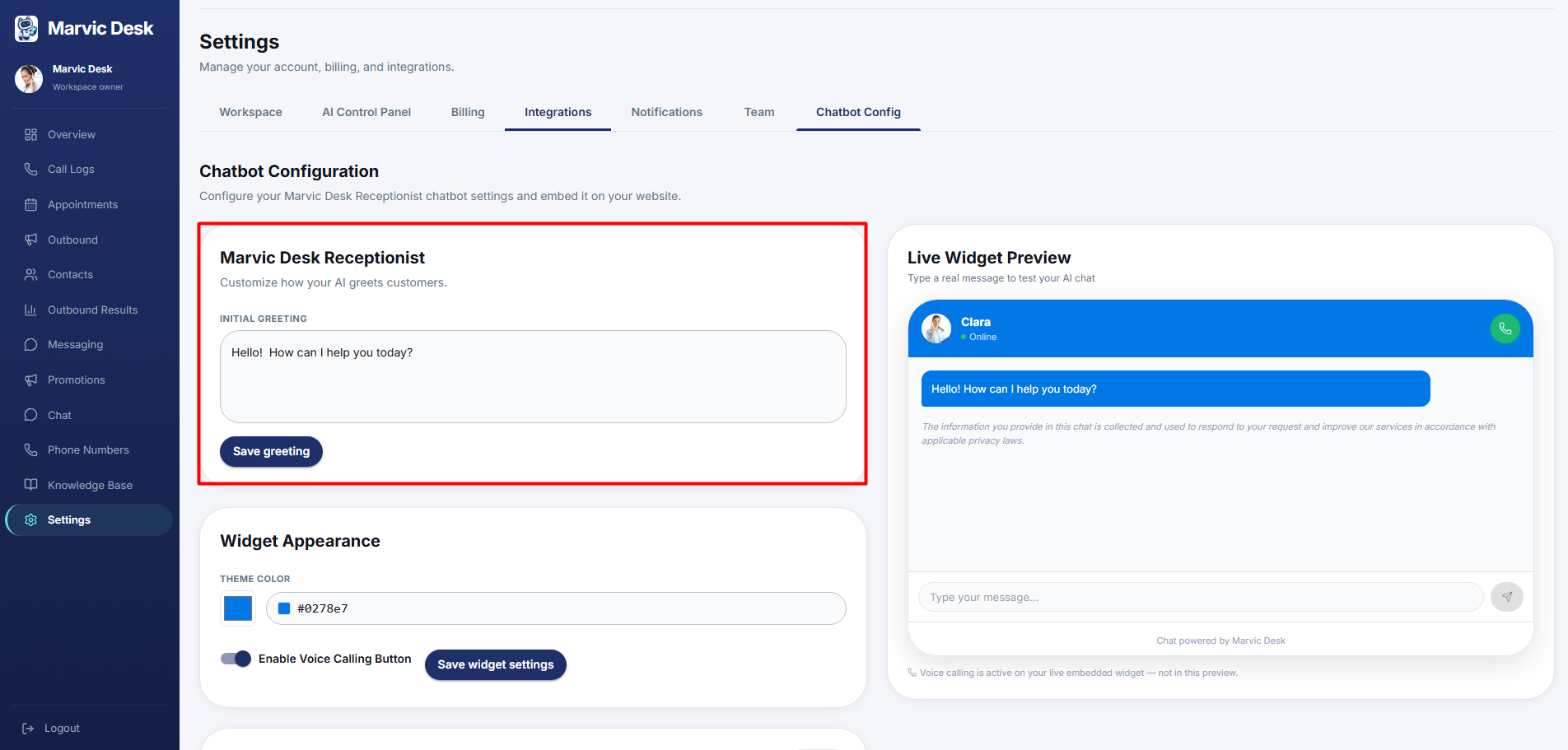
Setting Your Chatbot's Initial Greeting
Customize the first message visitors see when they open your chat widget.
Updated 9/22/2026
The Initial Greeting is the first message visitors see when they open your chat widget. 1. Go to Settings → Chatbot Config. 2. In the Marvic Desk Receptionist card, edit the Initial Greeting text (for example, "Hello! How can I help you today?"). 3. Click Save Greeting.