Outbound
Managing and Re-launching Campaigns
Track campaign progress, adjust settings, re-launch, or delete campaigns.
Updated 9/18/2026
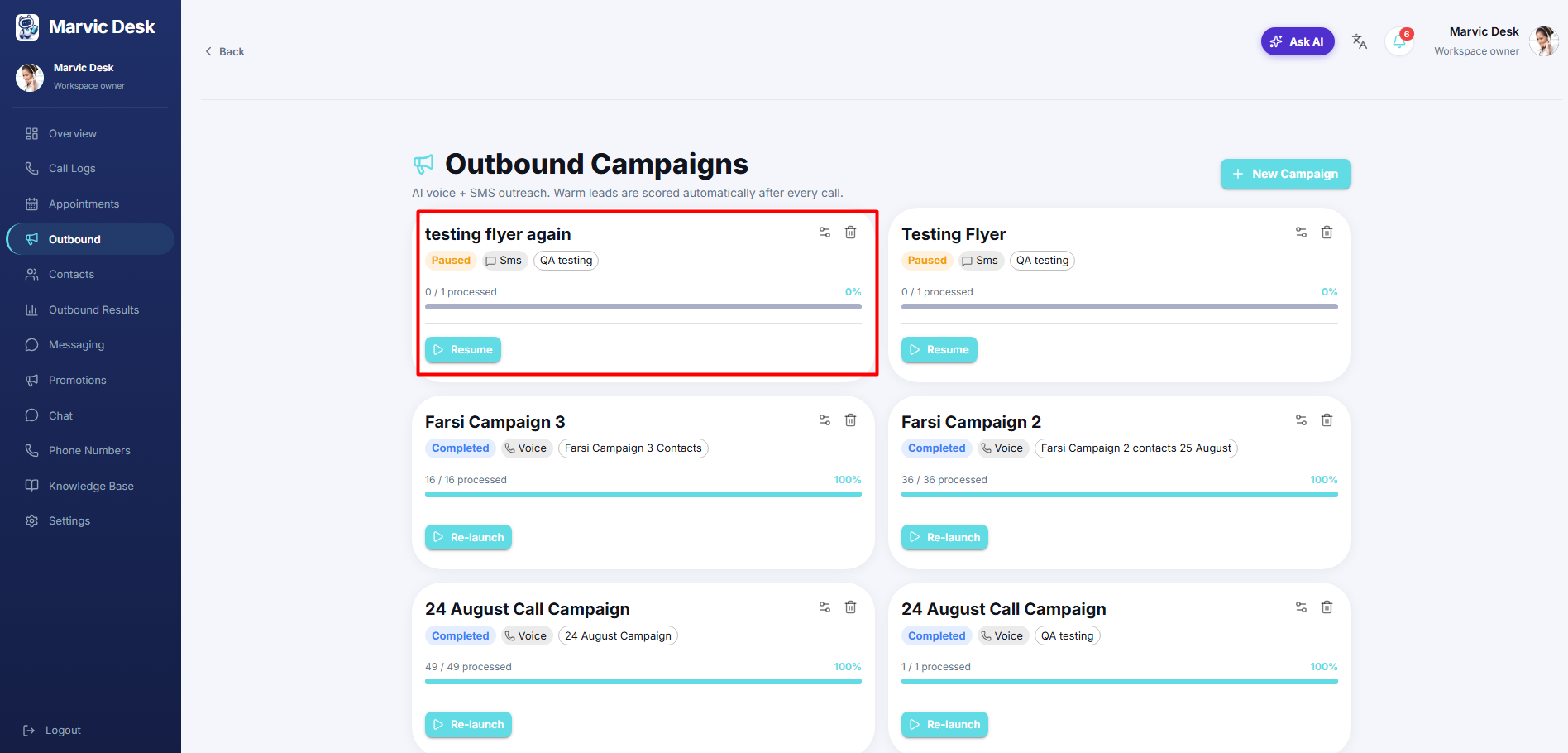
Each campaign is shown as a card on the Outbound page with its current status and progress. ● A status badge shows the campaign's state (e.g., Completed). ● A progress bar shows how many contacts have been processed (e.g., "16 / 16 processed — 100%"). ● Click Re-launch to run the campaign again against its contact list. ● Use the icons in the top-right of a campaign card to adjust settings or delete the campaign.