Call Logs
Viewing and Searching Your Calls
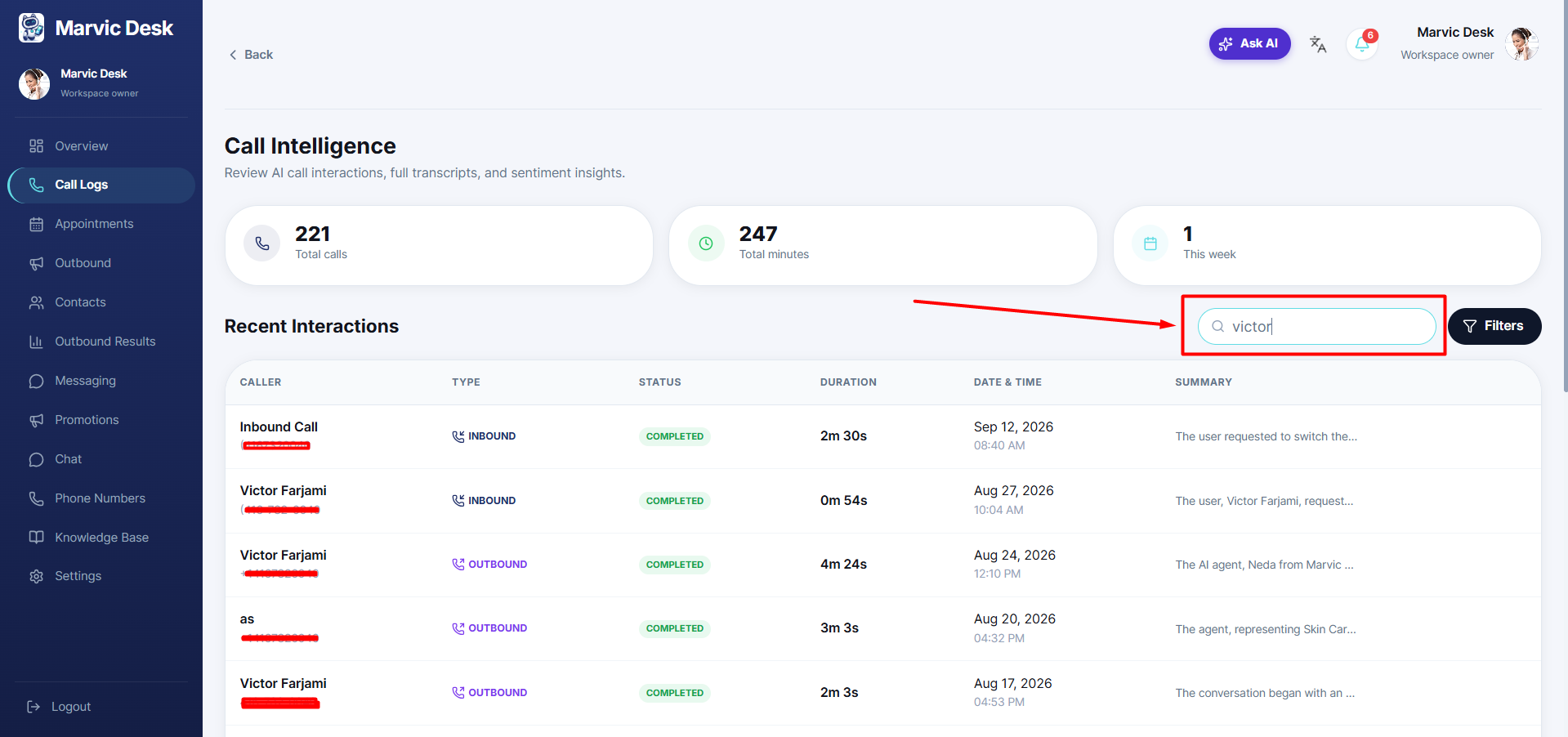
Find any call quickly by searching caller name or number and applying filters.
Updated 9/17/2026
Find a specific call quickly using search and filters. 1. Go to Call Logs. 2. Use the Search callers box to search by name or number. 3. Click Filters to narrow by additional criteria (e.g., call status or Date range).