Notifications
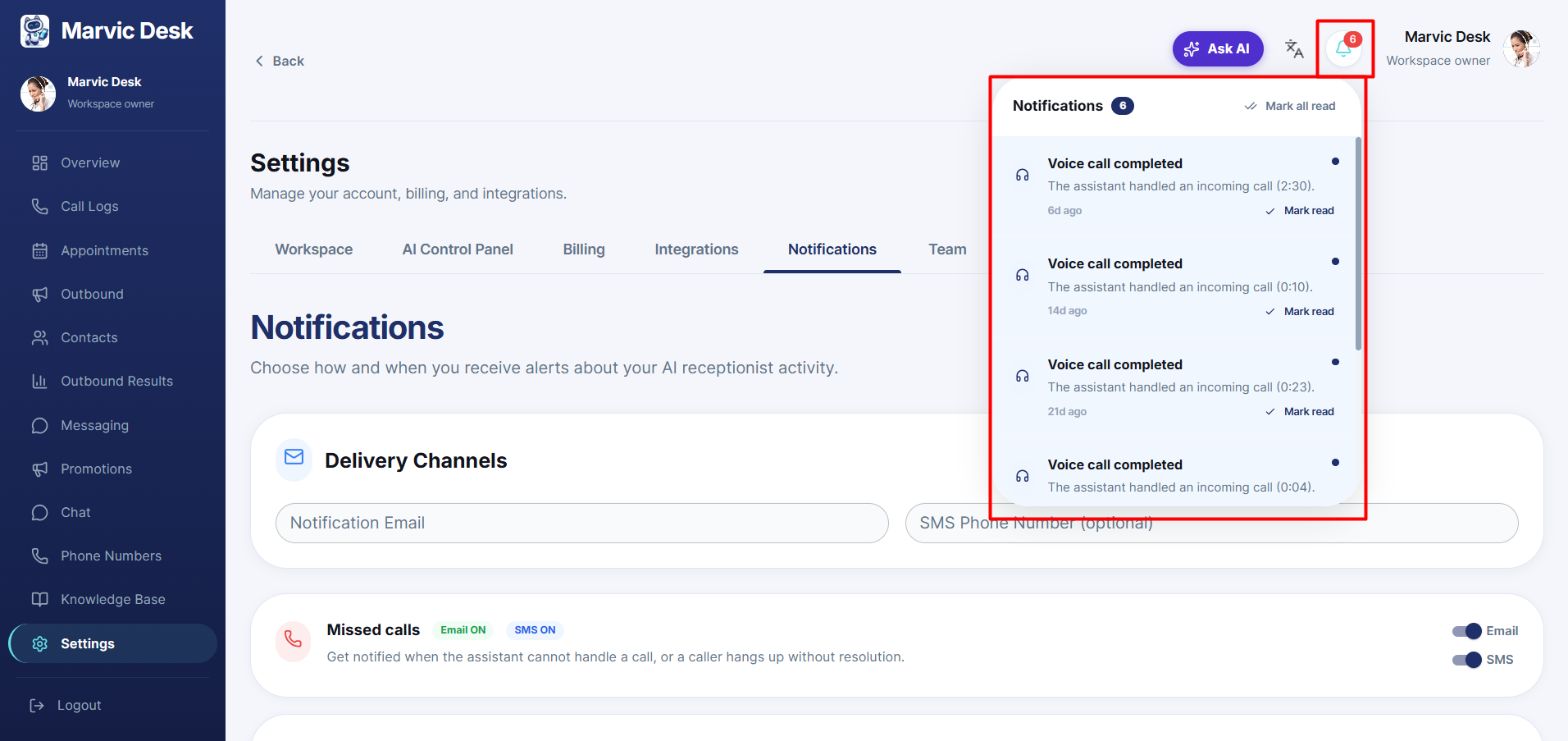
Understanding the In-App Notification Bell
View recent activity in your dashboard and mark notifications as read.
Updated 9/18/2026
In addition to email/SMS preferences, Marvic Desk shows a live feed of recent activity directly in the dashboard. 1. Click the bell icon in the top bar. 2. Review recent notifications (for example, "Voice Call Completed"). 3. Click Mark read on an individual item, or Mark all read to clear them all.