
Notifications
Setting Your Notification Email and SMS Number
Choose where your alerts and summaries are delivered.
Updated 9/18/2026
Choose where your notifications are delivered. 1. Go to Settings → Notifications. 2. In Delivery Channels, enter a Notification Email and, optionally, an SMS Phone Number. 3. Click Save Preferences.
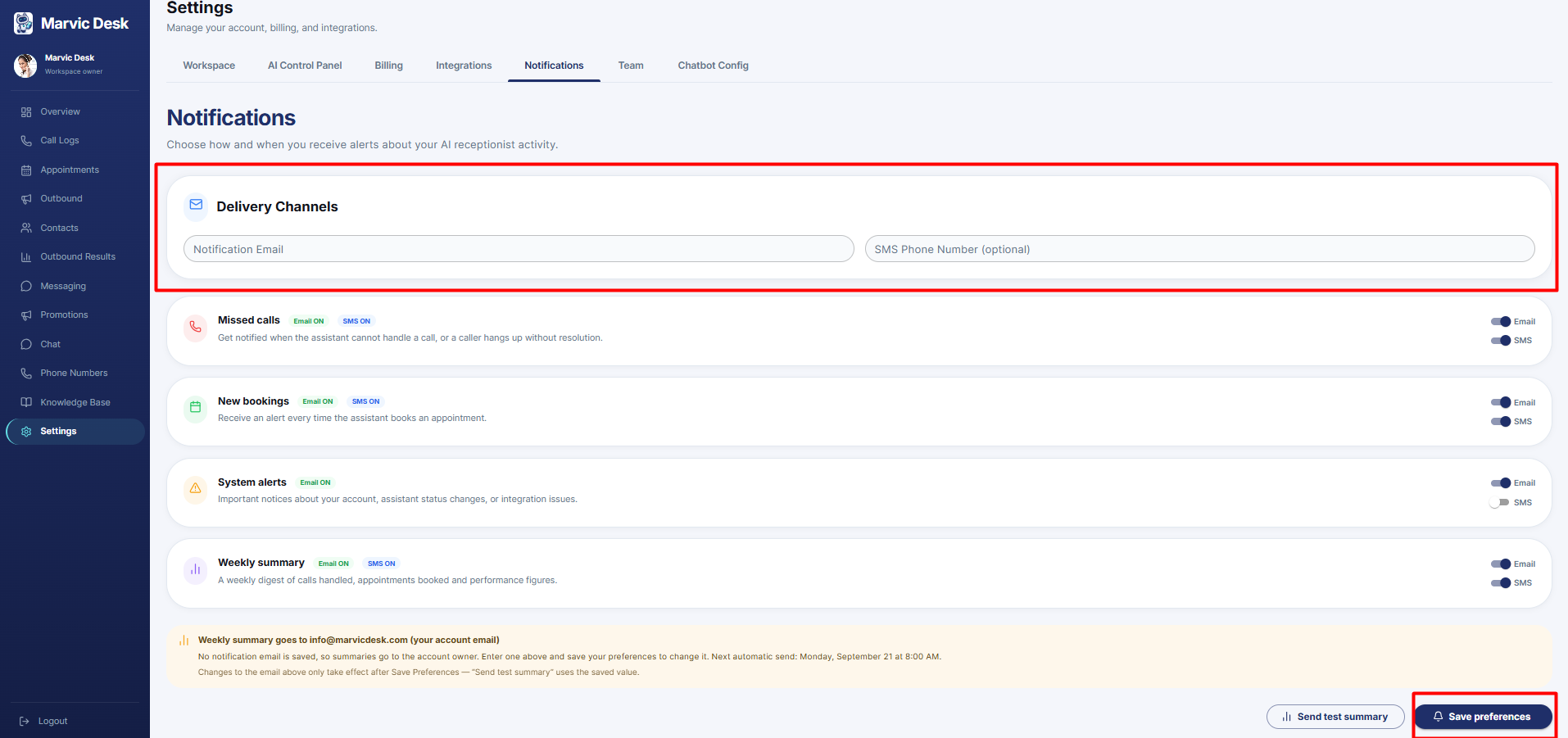
Note: If no Notification Email is saved, summaries default to the account owner's email. Changes to the email only take effect after Save Preferences — Send test summary uses the currently saved value, not an unsaved edit.