
Phone Numbers
Managing Multiple Phone Numbers
View, connect, refresh, and remove the numbers you own in one place.
Updated 9/17/2026
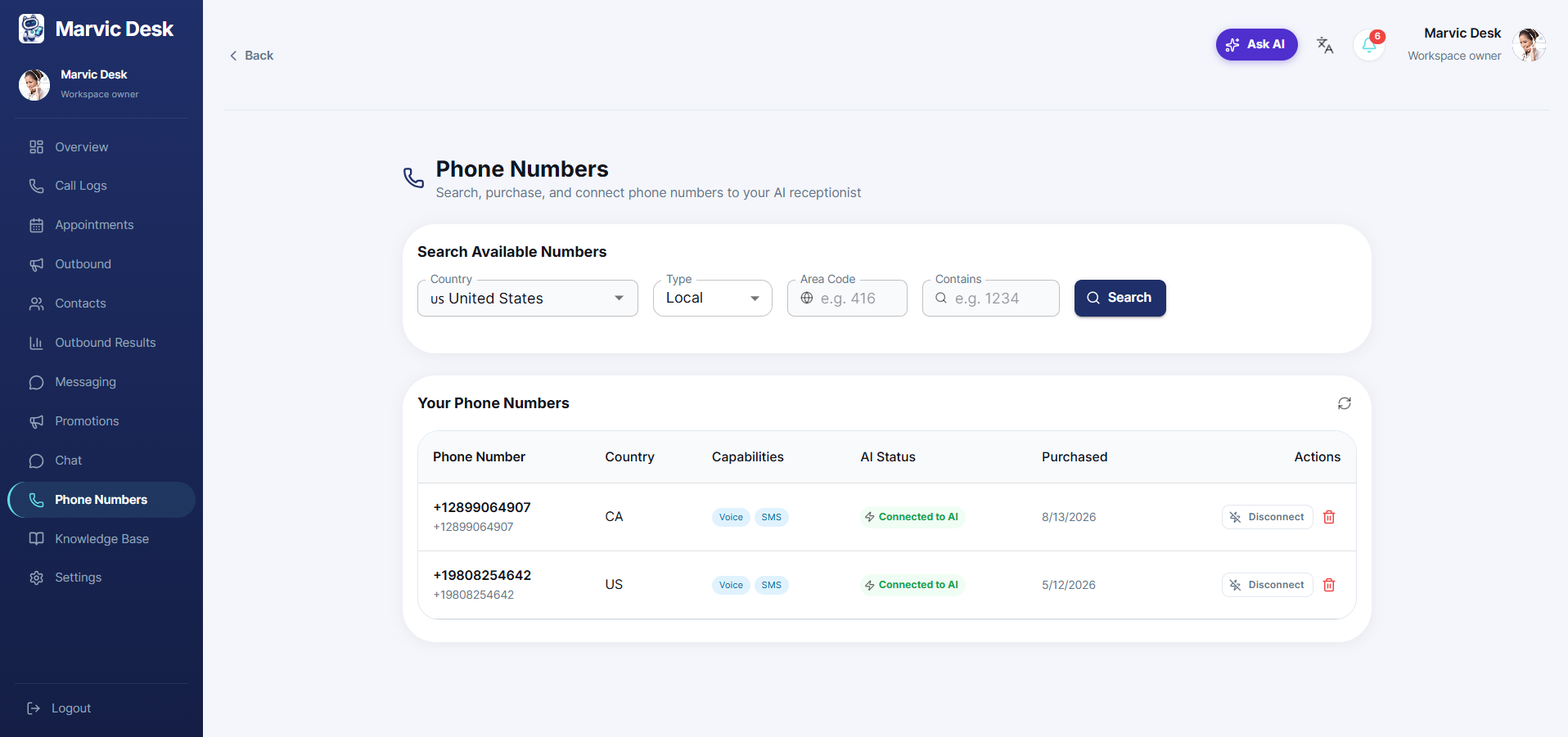
You can own more than one number — for example, one per location or one dedicated to a specific outbound campaign. 1. Go to Phone Numbers. 2. Review all numbers you own in Your Phone Numbers, including each one's Capabilities, AI Status, and Purchased date. 3. Click the refresh icon at the top of the Your Phone Numbers card to refresh the list. 4. Use Connect to AI on any number to activate it, or the trash/delete icon in Actions to remove a number you no longer need.
Note: Removing a number is permanent — confirm it isn't still needed by an active campaign or your AI Receptionist before deleting it.