Team & Permissions
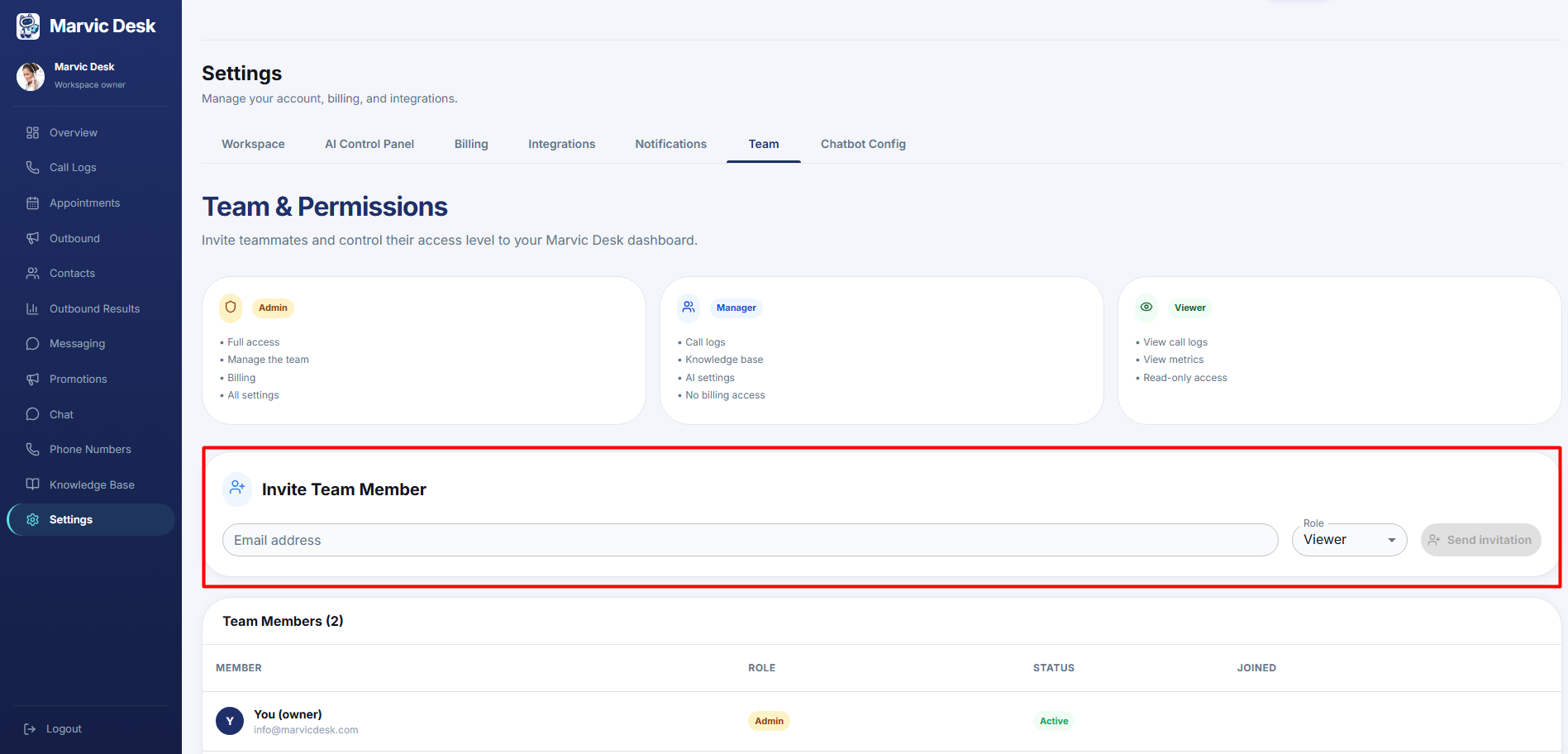
How to Invite a Team Member
Invite a teammate by email and choose their access level.
Updated 9/18/2026
Bring a teammate into your workspace with the access level appropriate to their role. 1. Go to Settings → Team. 2. Under Invite Team Member, enter their Email address. 3. Choose a Role: Admin, Manager, or Viewer. 4. Click Send Invite.