Contacts
How to Add a Number to Your Do-Not-Call List
Block a number so it's never called or texted by any campaign.
Updated 9/18/2026
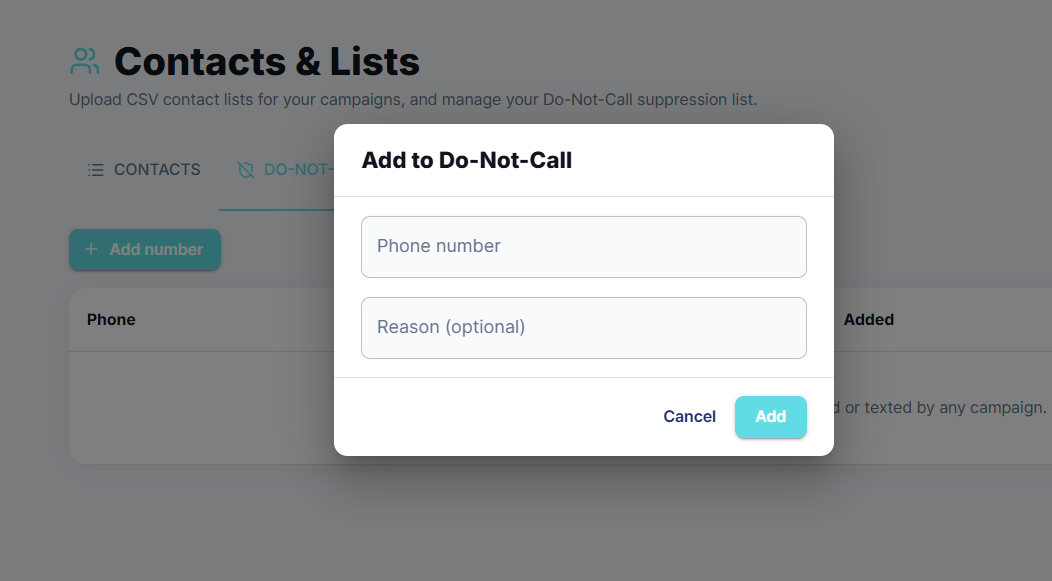
Numbers on your Do-Not-Call list are never dialed or texted by any campaign. 1. Go to Contacts and click the Do-Not-Call tab. 2. Click Add number. 3. Enter the Phone number and, optionally, a Reason. 4. Click Add.