Contacts
How to Add a Contact Manually
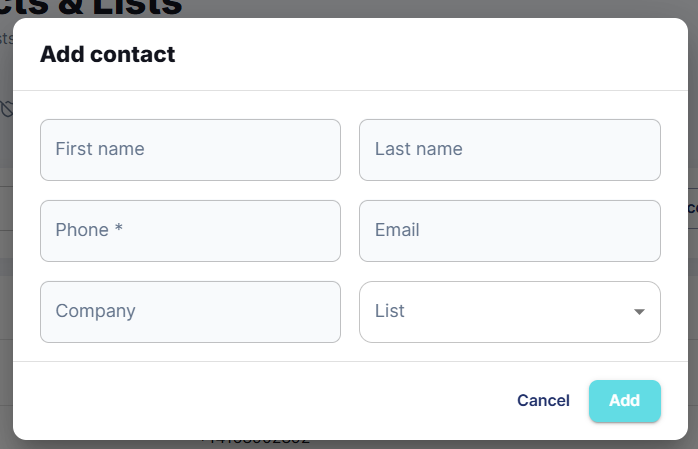
Add a single contact and assign them to a list in a few steps.
Updated 9/18/2026
Add a single contact directly from the dashboard. 1. Go to Contacts and click Add contact. 2. Enter First name, Last name, and Phone (required). 3. Optionally add Email and Company. 4. Choose a List to add this contact to, or leave it to create/select one. 5. Click Add.