Knowledge Base
Adding URL Sources for Automatic Crawling
Point your AI at web pages it can learn from automatically.
Updated 9/17/2026
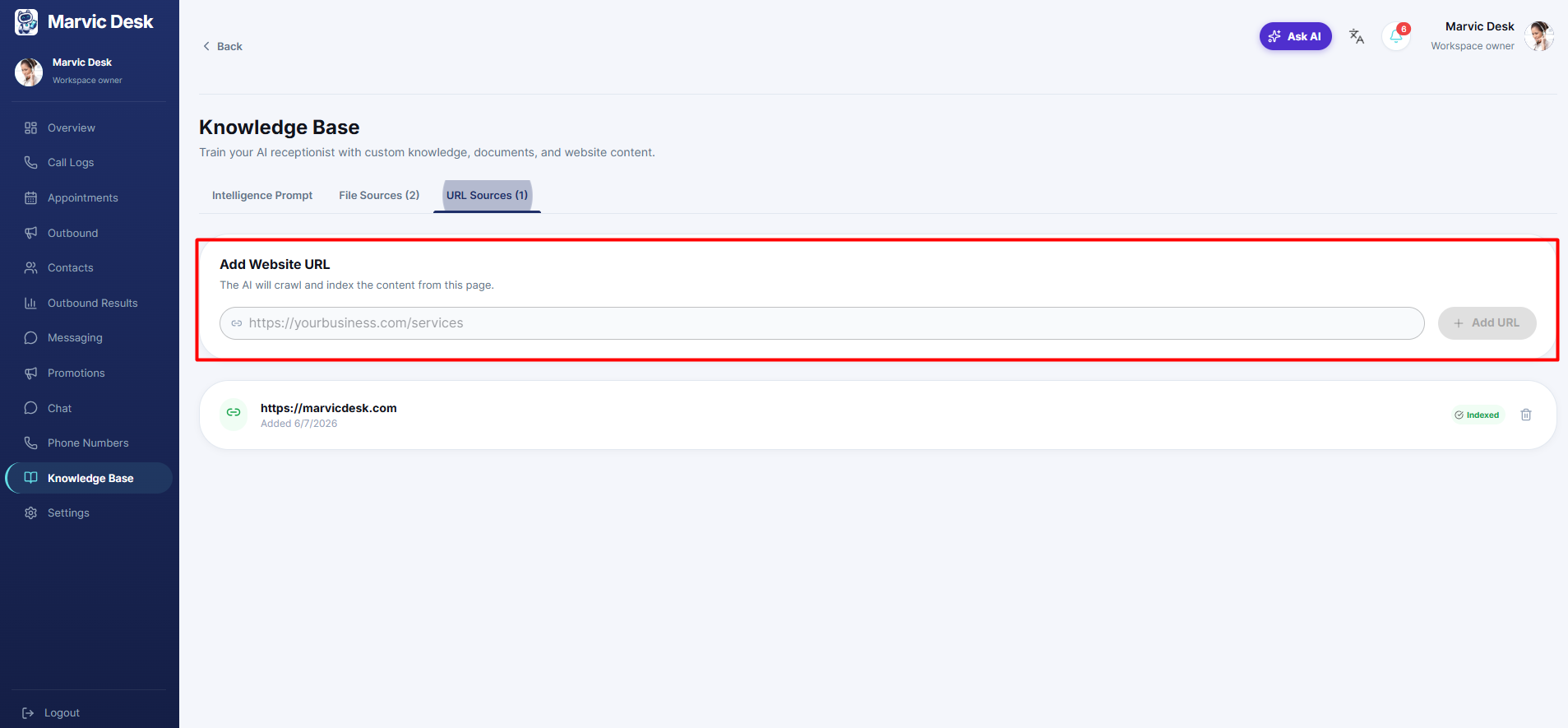
Instead of uploading a file, you can point your AI at a live web page and let it crawl the content automatically. 1. Go to Knowledge Base → URL Sources. 2. Enter the URL of a page you want the AI to learn from (e.g., your FAQ or services page). 3. Add additional URLs the same way — multiple URLs are supported.